Circle or square, open or boxed
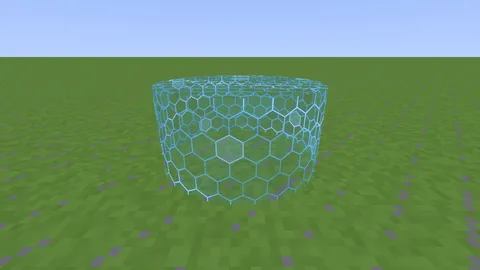
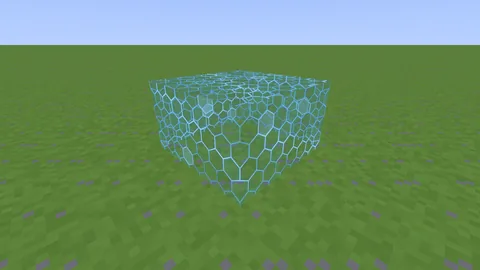
Round or square walls. Boxed borders add a floor and a ceiling that players can't get through — no pearling or chorus-fruiting out.

NovaBorder swaps the vanilla world border for a glowing, animated wall drawn by a resource‑pack shader. Circle or square, open or boxed in, shrinking and moving smoothly. No client mods.
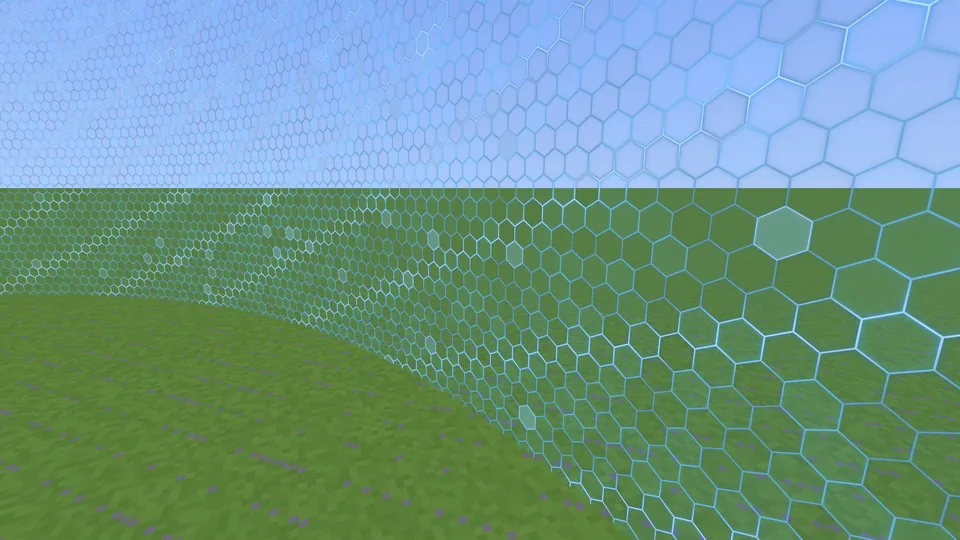
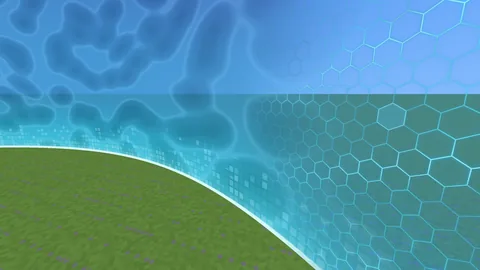
Rendered by NovaBorder's own wall shader
Built for
Why NovaBorder
Made for battle royales, minigames and events: a wall your players can see coming.
Round or square walls. Boxed borders add a floor and a ceiling that players can't get through — no pearling or chorus-fruiting out.
Shrink, grow and move the centre over any time — 30, 10m, 1h30m — together or separately. The wall glides, it doesn't jump.
Set the damage, how often it hits and a grace time before the first hit, plus knockback, totem and absorption rules.
/worldborder styles shows every look with a preview picture, plus buttons for shape, size, damage and colours.
By default the wall is visible from far away. Or set a view distance and it fades in as players get close, so it doesn't fill the sky.
Players just accept the resource pack. Games that can't run pack shaders (VulkanMod, Iris with a shader pack) get a particle wall with /borderparticles.
Game plugins written for Barrier's storm API keep working, unchanged.
Every world keeps its own border through restarts.
Green while growing, red while shrinking — or your own colours.
From our website, from your server, or inside your own pack plugin.
Leave looks you don't want out of the menu, commands and pack.
/worldborder (also /storm) replaces the vanilla command.
Enter, leave and storm-damage events for your own plugins.
Get your key with /get-license in our Discord.
Circle and square walls, or boxed borders with a floor and a ceiling that you can raise and lower.
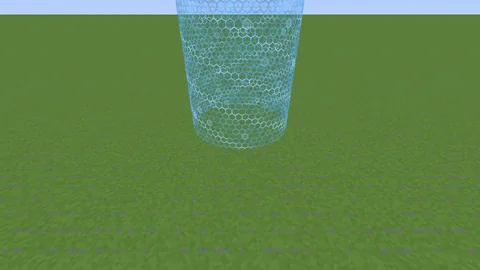
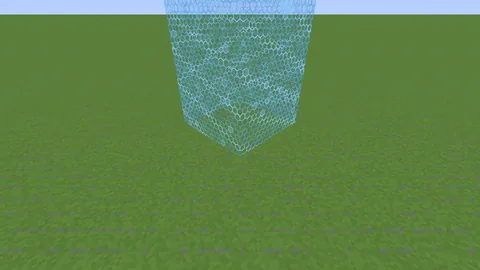
Give the wall a new size and a time, and it glides there while your players run. It turns red while it shrinks and green while it grows.
Shrinking from 60 to 12 blocks
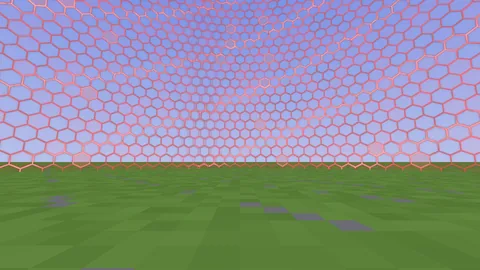 0160 blocks
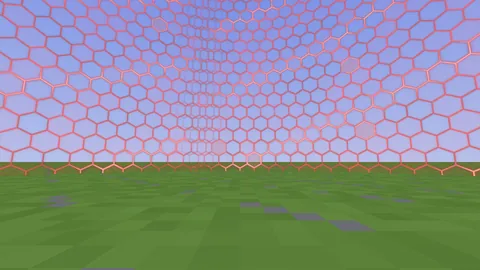 0244 blocks
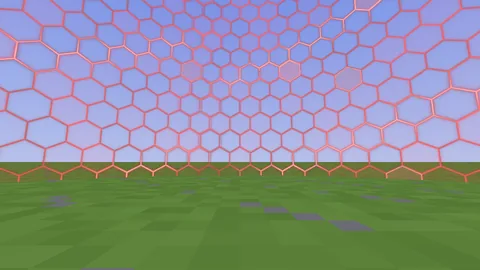 0330 blocks
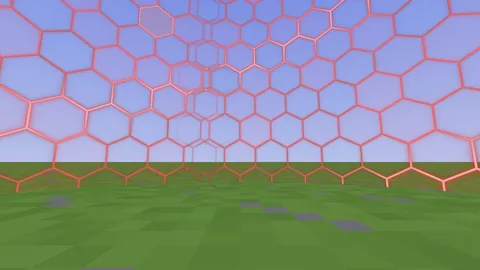 0420 blocks
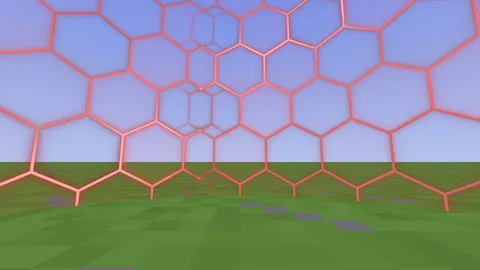 0512 blocks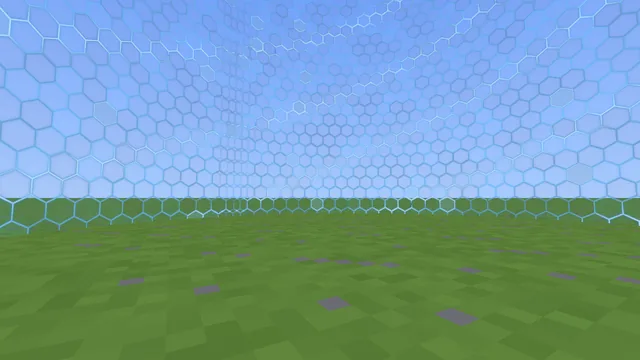
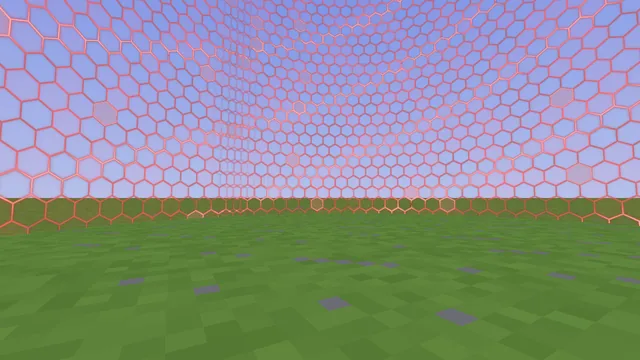
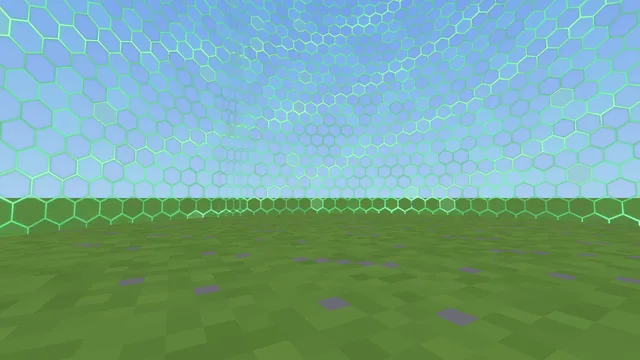
Default colours. Change them in config.yml, or turn them off.
Looks
Every licence comes with five looks. Add seasonal packs or single looks to the same key whenever you like.
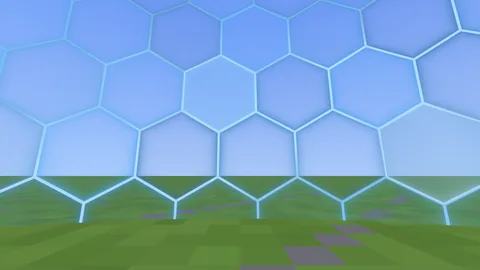
Force Field is the default look.
 Included
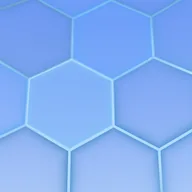
A glowing blue hexagon shield.
 Included
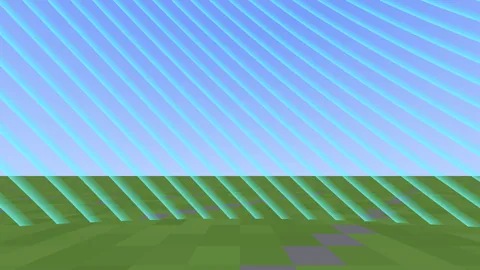
The classic border stripes, animated.
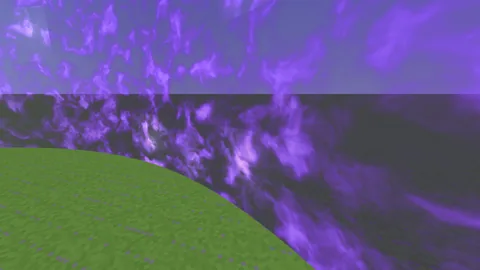 Included
Rolling purple storm clouds.
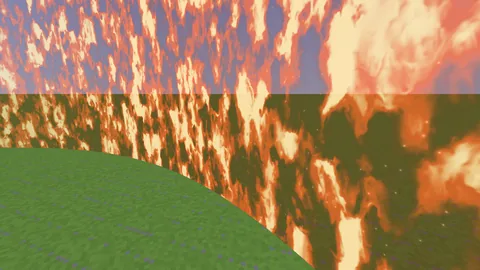 Included
A wall of flickering flames.
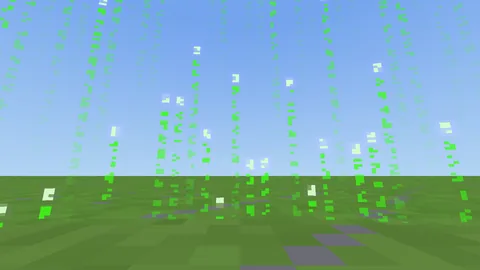 Included
Falling green code.
Unlocked on the key you already have.
A hexagon shield up close that becomes a swirling battle-royale storm from far away.
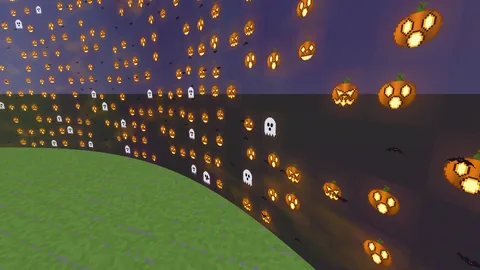 $3
$3
Jack-o'-lanterns, ghosts and bats.
 $3
$3
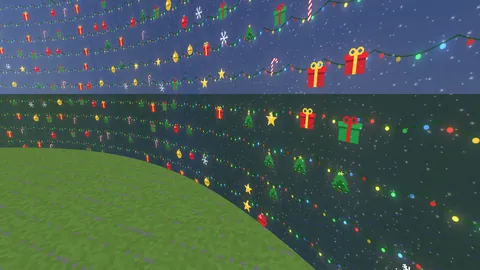
Fairy lights, presents and trees under the stars.
992 more — a few of them below.
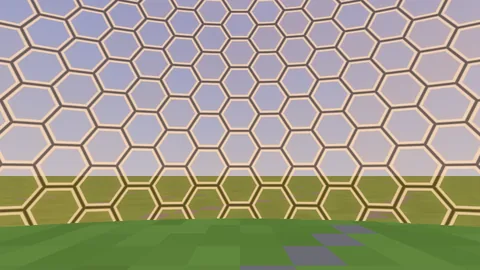
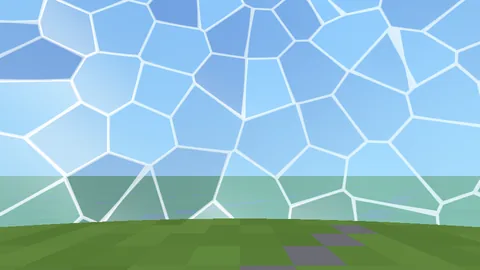
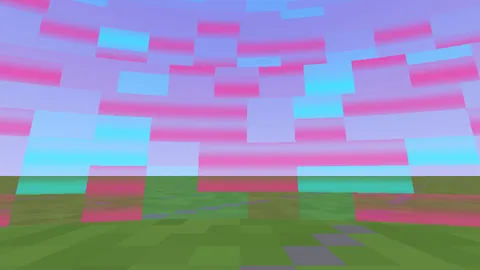
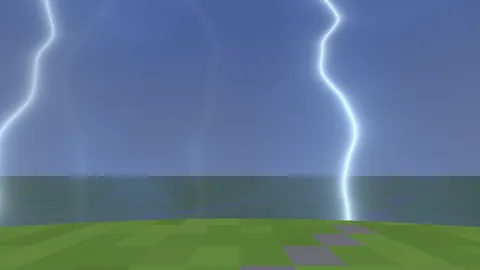
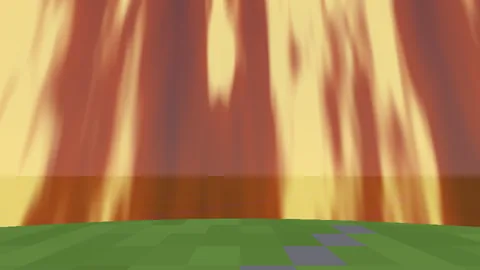
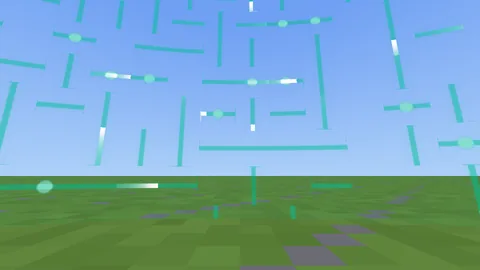
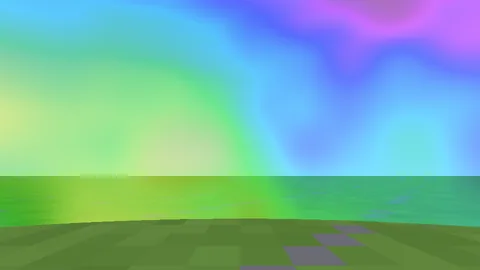
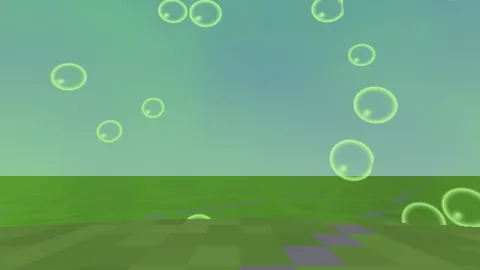
Plus aurora, nebula, ice, plasma, hologram, camo, marble and many more, in lots of colours. Every look is listed in the in-game menu, locked ones with their price.
All look pictures on this page are rendered by NovaBorder's own wall shader in a simple test world. In game the looks are animated.
Pricing
$16 one-time
After buying, join our Discord and run /get-license to get your key.
| NovaBorder base licence5 looks, up to 5 servers | $16 |
|---|---|
| Royale Storm lookHex shield up close, a storm from far away | $6 |
| Halloween packThe Halloween look | $3 |
| Christmas packThe Christmas look | $3 |
| Any other single look992 to choose from | $1 each |
worldborder license check in your server console (or wait up to 6 hours) and the look unlocks.Good to know
Each purchase comes with one licence key. Join our Discord and run /get-license. Put the key in plugins/NovaBorder/config.yml and restart, or type worldborder license <key> in the server console.
/servers in our Discord shows and frees your seats./get-license again: you get a new key and the old one stops working.Extra looks, unlocked on the key you already have. Royale Storm ($6), the Halloween pack ($3) and the Christmas pack ($3) are separate add-ons on BuiltByBit and are added to your key once you link your BuiltByBit account in our Discord. Any other look is $1: open a ticket in our Discord and say which one.
/addons in our Discord shows which add-ons your key has.
Yes. The /worldborder styles menu lists every look with a preview picture. Locked looks show their price, so you can browse all of them first.
No. The wall is drawn by the resource pack, which NovaBorder offers to players when they join, next to any other server pack.
Games that can't run resource-pack shaders, like VulkanMod or Iris with a shader pack on, don't show the shader wall (it still hurts). Those players can turn on a particle wall with /borderparticles, or you can show it to everyone in the config.
NovaBorder has its own /worldborder command and a storm API for game plugins, with enter, leave and damage events. It also answers Barrier's storm API, so plugins written for Barrier keep working, and on its first start it takes over Barrier's config and storms.
By default your players download it from our website, so you don't need to open a port. If you change the pack (hidden looks or your own zip), NovaBorder serves it from your server on one port. You can also let your own pack plugin carry it.
Payments go through BuiltByBit. For questions about a purchase, open a ticket in our Discord.
Run it on your servers. The licence inside the plugin (LICENSE.txt) doesn't allow decompiling, changing, sharing or reselling it without written permission.
Get NovaBorder on BuiltByBit, grab your key in Discord, and pick your look.
Also from us: NovaUI, custom HUDs and menus built in an in-game editor.