
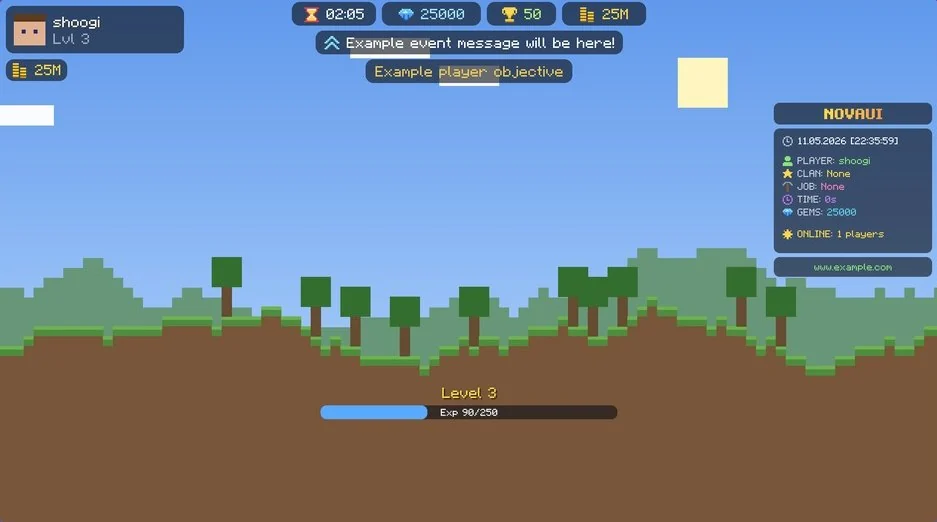

NovaUI
Custom HUDs, menus and animations, built in a full in-game editor. No client mods: your players just accept the resource pack the plugin makes and hosts itself.
A real editor, inside the game.
Move your mouse to move a cursor, click to select, drag and resize. Change colours, layers and settings — every change is live for everyone.
The start screen: edit a UI, create a new one or open one the way players see it.
Animations, frame by frame.
Build keyframe animations on the timeline — position, scale, opacity and image frames — and play them by command, from the API, or on join, teleport and world change.
Teleport transition
 01World
 02Wipe in
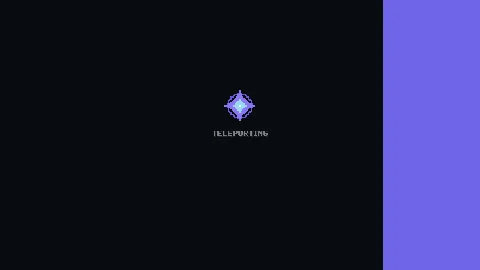 03Reveal
 04Hold
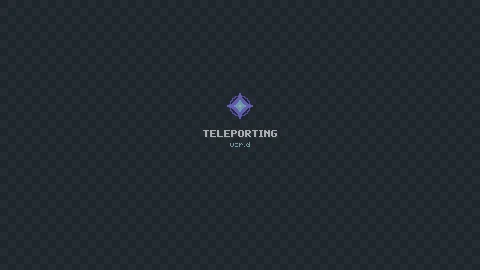 05Fade out
Title pop-in
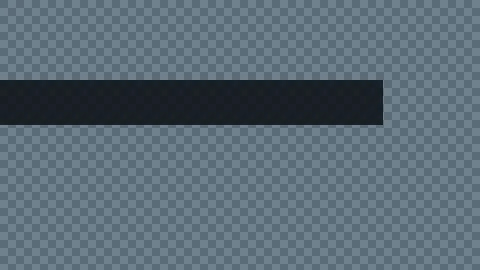 01Slide in
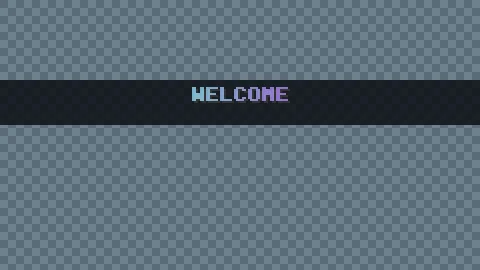 02Fade up
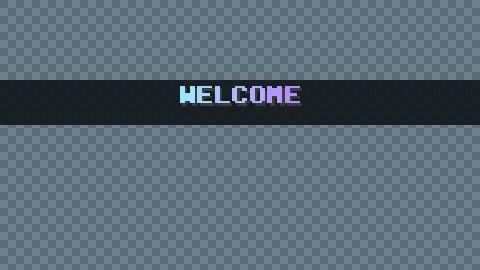 03Pop
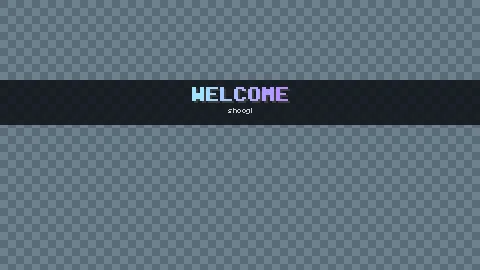 04Hold
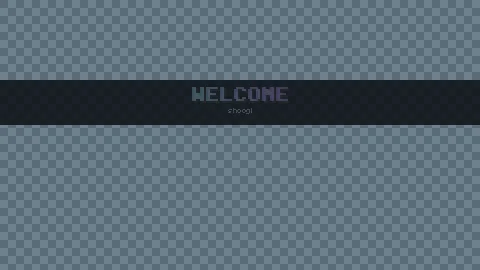 05Slide out
Real frames rendered by NovaUI. The checkerboard is where the game world shows through.
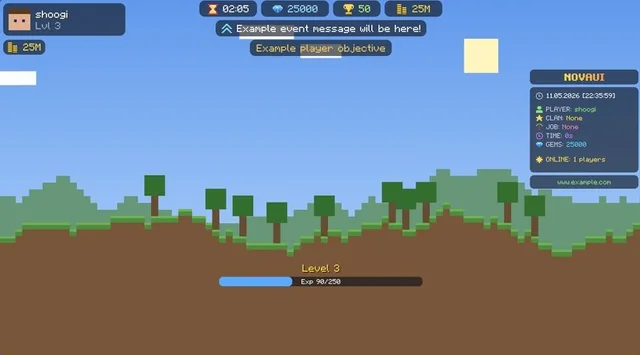
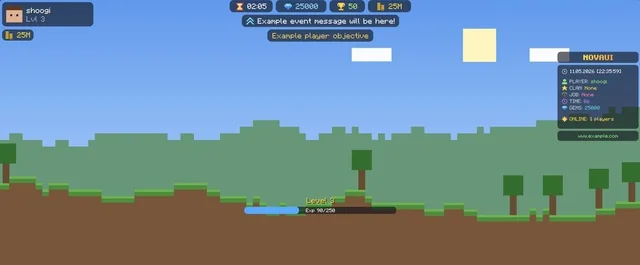
Looks right on every screen.
Pages sit on a 1920×1080 canvas that scales with the window — from 16:9 to ultrawide. Rounded boxes, gradient text, icons, real player heads and progress bars.
Everything in one plugin.
In-game editor
Mouse cursor, drag, resize, layers, undo/redo.
Animations
Keyframe timeline; play on join, teleport or by API.
Menus
Dialog screens for Java, forms for Bedrock.
Bedrock support
Geyser + Floodgate players get a simple HUD line.
F1-proof
The HUD stays on screen when players press F1.
PlaceholderAPI
Any %placeholder% plus built-in values, with fallbacks.
Developer API
Pages, variables, animations, menus and events.
5 servers per key
Your key is on My licences.
Requires Paper 1.21.11 and Java 25. Players on 1.21.11 see the full HUD.